 Tellie
Companion PRO
Your Mac in your hands
Drive Tellie from your iPhone Duo. Your Mac does the listening. Any phone, tablet or laptop becomes the prompter, the remote or a private checklist.
Tellie Pro free for 10 days. No account, no card.
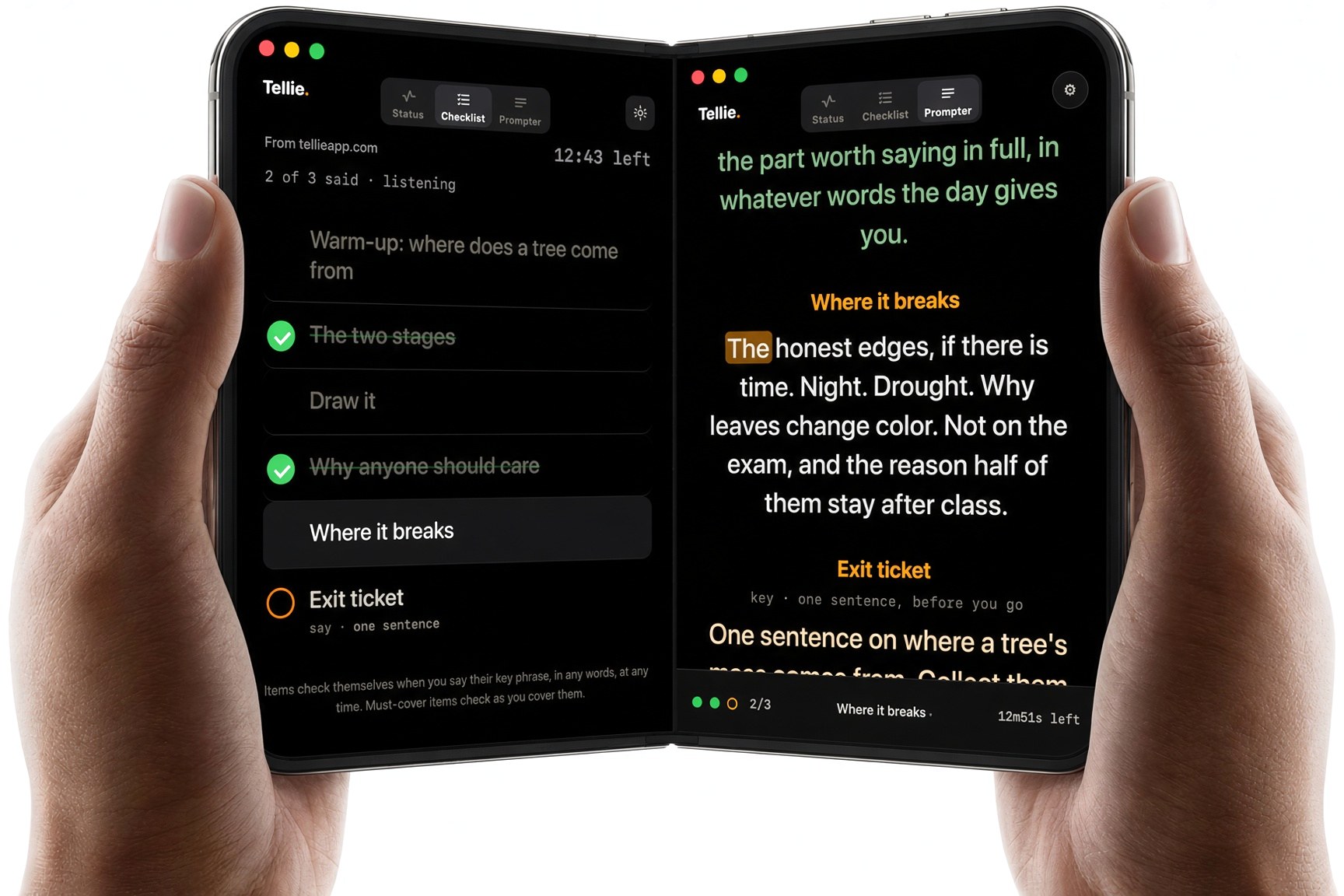
Three ways to use it
A prompter, a remote, a checklist
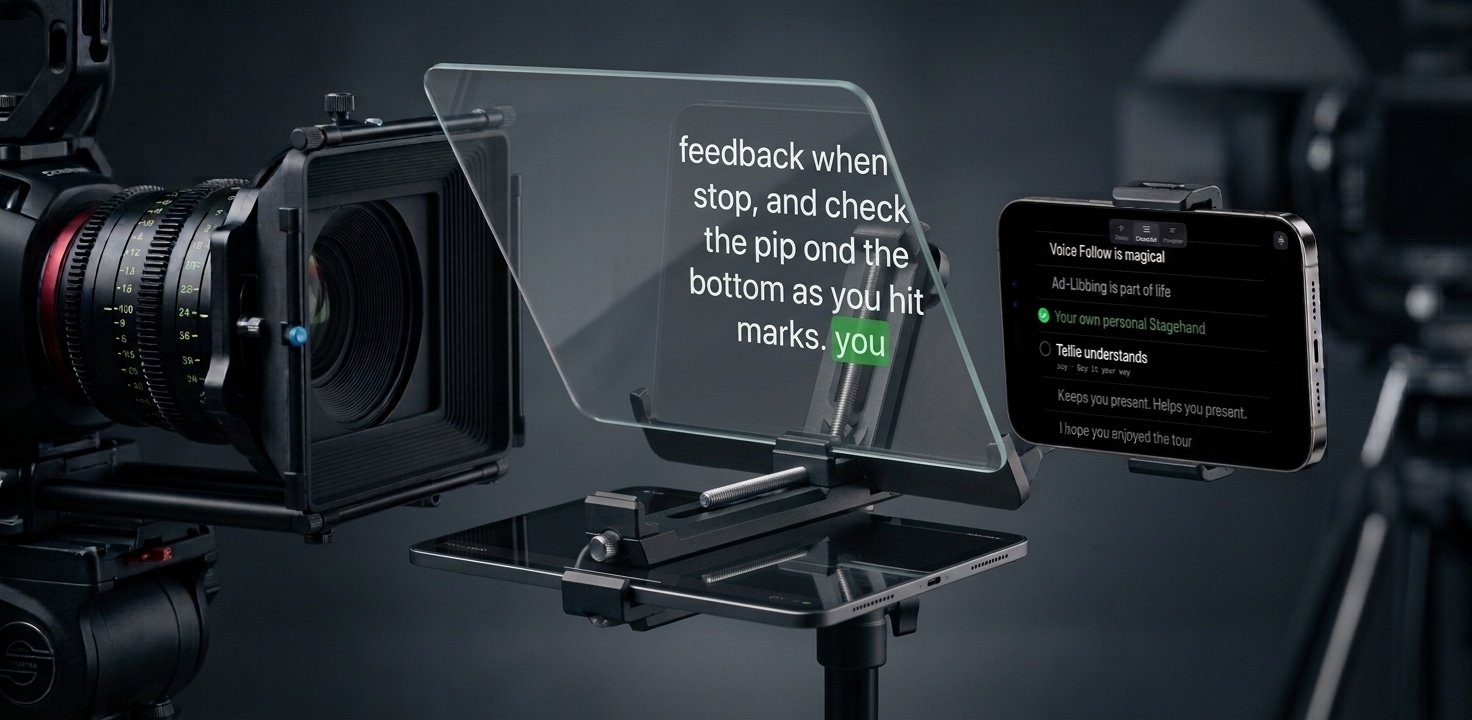
Right next to the lens
Prop an iPhone or iPad beside the camera, or on a beam-splitter rig, and read while you look straight down the barrel.
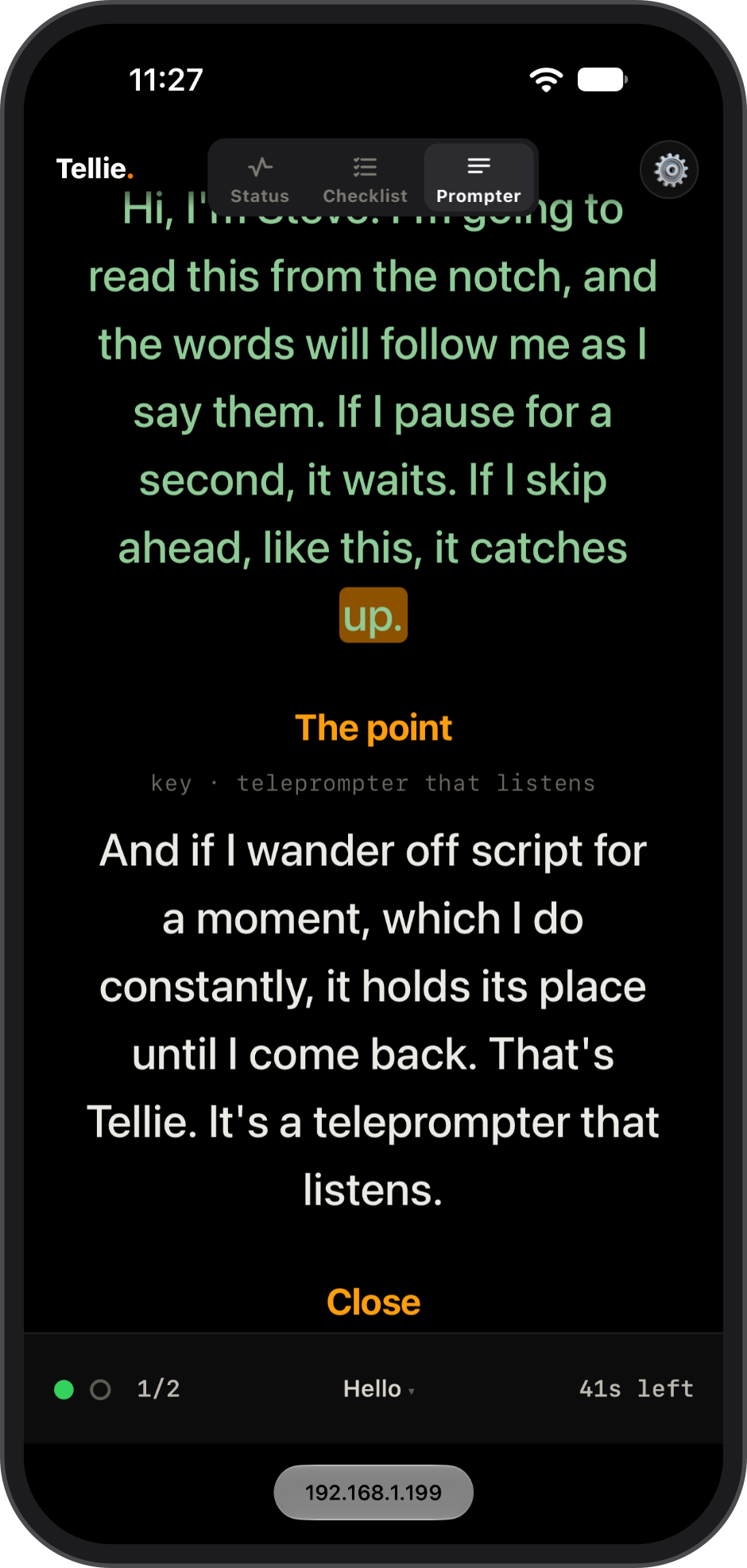
A remote in your hand
Play, pause, restart, jump to any section, Voice Follow on or off. Set the shot, step back to your mark, and run the take.
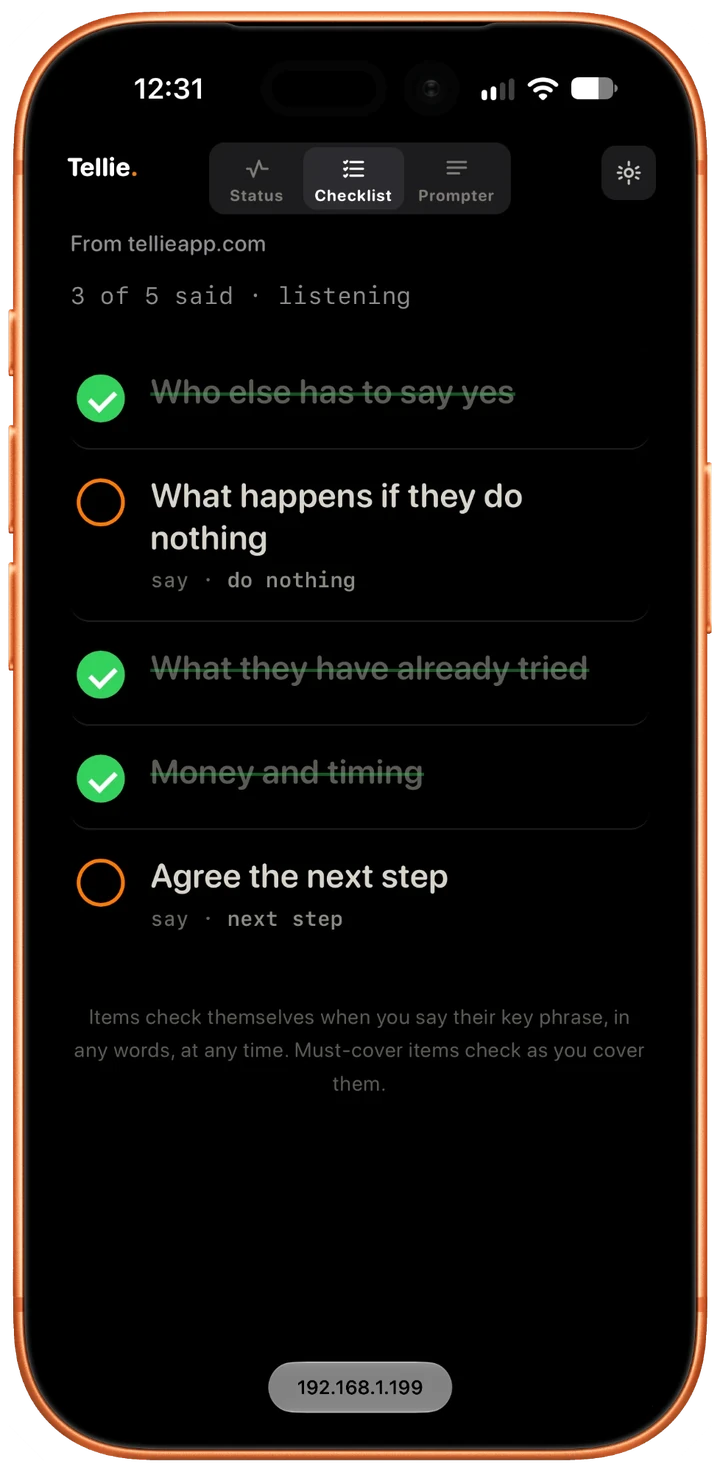
A private checklist
Your points check off as you say them, in any order. Or hand the link to whoever is helping.
One link, any device
Nothing to install, nothing in the cloud
Switch it on once in Tellie’s Settings and open the link on any phone, tablet or laptop that shares your Wi-Fi. No app, no account: status, checklist or the full prompter, scrolling in step with your Mac.
Your Wi-Fi, not the cloud
The link only works on your own network. Your script and your voice stay on your Mac, and like the notch, Companion is invisible to screen sharing and recording.
“I travel and give speeches at a lot of conferences. I’m at a podium where a laptop would hide me, so I use my iPad mini as a handheld.”
Questions about Companion
Step by step in Help, or email Steve at steve@skytech.io. He answers every message himself.
What is the Tellie Companion?
Companion turns any phone, tablet or laptop into a console for Tellie, the Mac teleprompter. Turn it on once in Settings (it’s called Web Companion there) and Tellie shows a link; open it on a device on the same Wi-Fi and you get three views: a status readout, a checklist of your points that ticks off as you cover them, and the full prompter scrolling in step with your Mac.
Is this a teleprompter app for iPhone or iPad?
It works like one: stand an iPhone or iPad on a beam-splitter rig or beside your lens and read while looking into the camera. The difference is that your Mac does the listening and the work, so there is nothing to install on the device and nothing in the cloud.
Can I control Tellie from my phone?
Yes. Play and pause, restart the take, jump to any section, and turn Voice Follow on or off, all from the device. Hand the link to someone helping you and they can drive while you present.
Does it go through the internet?
No. The link only works on your own local Wi-Fi. Your script and your voice stay on your Mac and travel to the device across your own network. On a locked-down network, share your Mac's hotspot to the device.
Is Companion visible on Zoom or a recording?
No. Companion's window, popped out on the Mac or open on the device, is invisible to screen sharing and recording, the same as the notch. The other side sees you, not your notes.
Does it work without a Mac?
No. It is not a cloud teleprompter running with nothing installed anywhere. It needs a Mac running Tellie to be the brain. That is the trade that keeps everything on your own devices.
What do I need?
A Mac running Tellie, and a phone, tablet, or laptop on the same Wi-Fi. Companion is a Pro feature; the Mac teleprompter stays free.
Is Companion free?
Companion is part of Tellie Pro. Every download includes 10 days of Pro with no card; after that Pro is $29 once for up to 3 Macs. The Mac teleprompter itself stays free.
Put your Mac in your hand
Download Tellie. Turn on Companion. Read from any device near your lens.
Tellie overview·Teleprompter for iPhone·Take Coach·Tellie Pro·Companion how-to